#Description
This lab has a logic flaw in its purchasing workflow. To solve the lab, exploit this flaw to buy a "Lightweight l33t leather jacket".
You can log in to your own account using the following credentials: wiener:peter
#Quick Look at the App
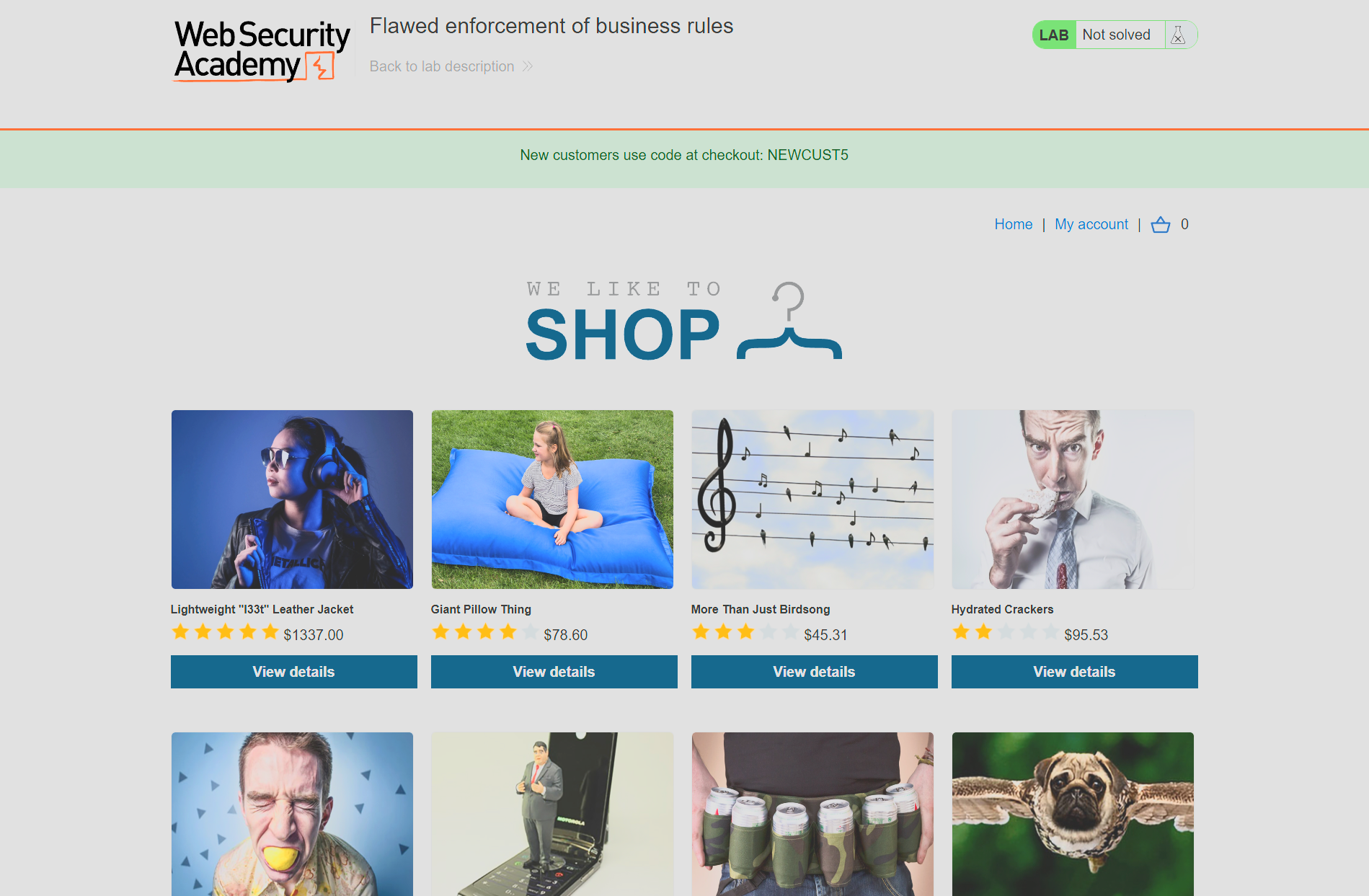
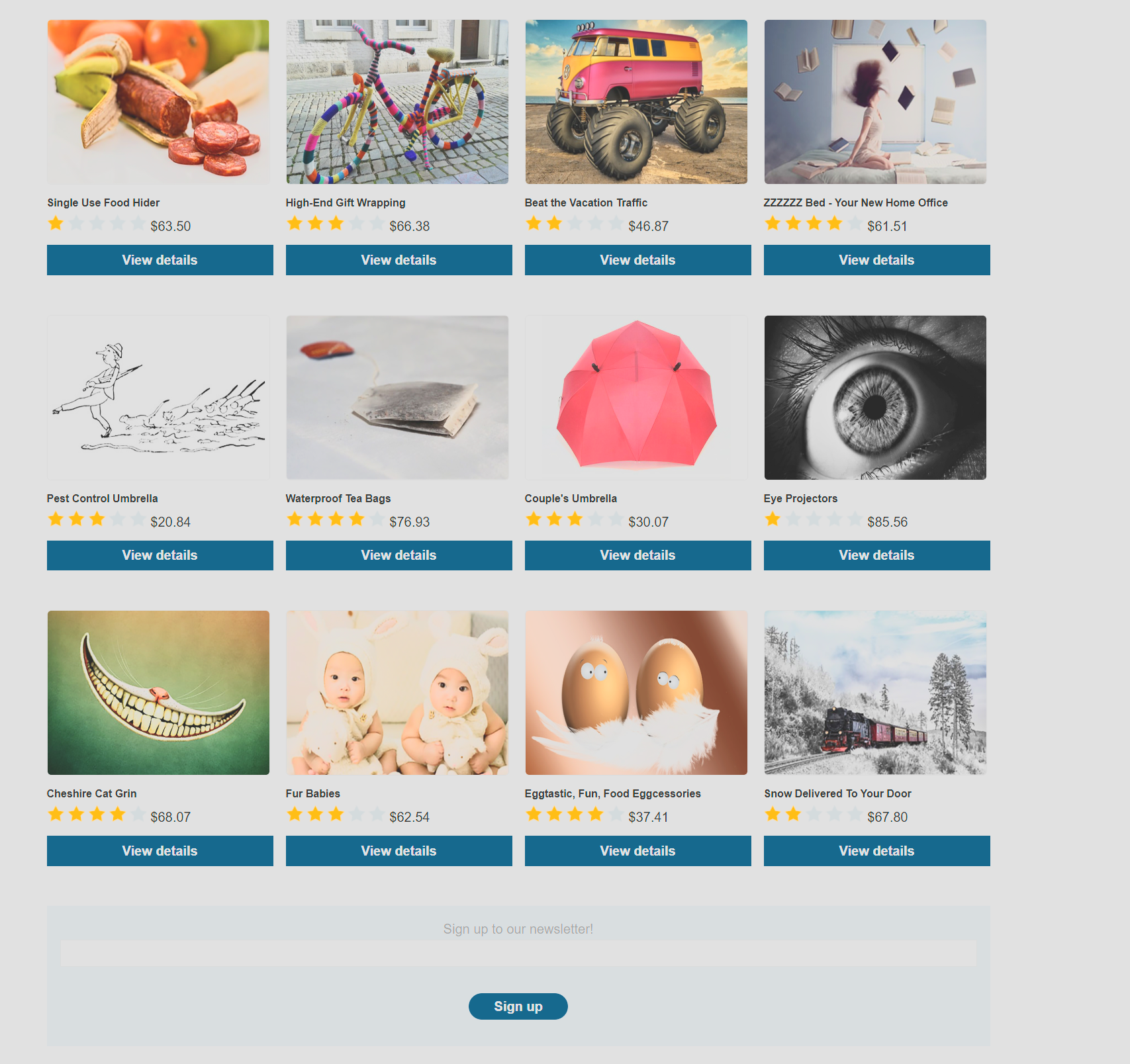
Another business logic lab, and another shop front. This one is an interesting one because I actually have to scroll all the way to the bottom to obtain full context! This app has two separate elements which are new for the application so far, a discount code and a sign up news-letter. Discount code attacks are interesting and fairly simple, it is often more about enumerating potential dev codes, brute forcing them or seeing how many times I can apply the same code at once.
#Let's get all codes
First, we log in to our account so that we have money and then, for this application we will actually sign up to the newsletter. For those unaware, most ecommerce websites always force feed you to sign up to a newsletter for an extra X amount off. Mainly so that they can have a larger potential client base that they can spam with leads over the year, but I don't turn down extra coupons. The key for this lab is obtaining all possible sales codes.
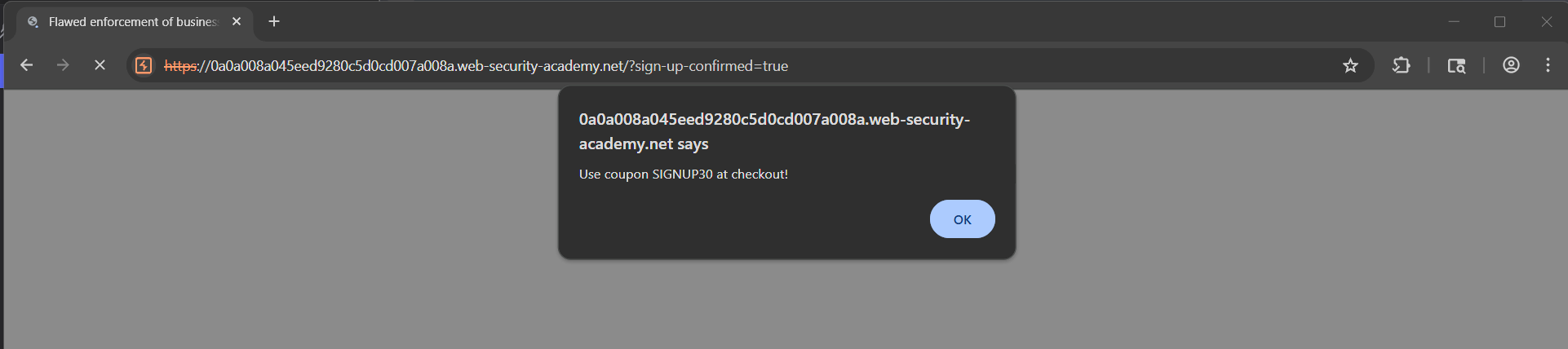
As you can see, this is a massive one! 30%? They can try to sell me all they want if this works consistently.
#Purchasing the Jacket
For clarity I will show you the initial request that puts the jacket into our basket, as well as the request for using a coupon code. On the face of it there is nothing particularly dodgy about either, there aren't any obvious client side params that we can really abuse, and everything acts as I would expect.
#Requests
#Request to add to the basket
GET /product?productId=1 HTTP/2
Host: 0a0a008a045eed9280c5d0cd007a008a.web-security-academy.net
Cookie: session=lWW4uQRW15ASeUtCvTXIlTm3wTNQltRk
Cache-Control: max-age=0
Accept-Language: en-GB,en;q=0.9
Upgrade-Insecure-Requests: 1
User-Agent: Mozilla/5.0 (Windows NT 10.0; Win64; x64) AppleWebKit/537.36 (KHTML, like Gecko) Chrome/146.0.0.0 Safari/537.36
Accept: text/html,application/xhtml+xml,application/xml;q=0.9,image/avif,image/webp,image/apng,*/*;q=0.8,application/signed-exchange;v=b3;q=0.7
Sec-Fetch-Site: same-origin
Sec-Fetch-Mode: navigate
Sec-Fetch-User: ?1
Sec-Fetch-Dest: document
Sec-Ch-Ua: "Not-A.Brand";v="24", "Chromium";v="146"
Sec-Ch-Ua-Mobile: ?0
Sec-Ch-Ua-Platform: "Windows"
Referer: https://0a0a008a045eed9280c5d0cd007a008a.web-security-academy.net/product?productId=1
Accept-Encoding: gzip, deflate, br
Priority: u=0, i
#Request to use a coupon code
POST /cart/coupon HTTP/2
Host: 0a0a008a045eed9280c5d0cd007a008a.web-security-academy.net
Cookie: session=lWW4uQRW15ASeUtCvTXIlTm3wTNQltRk
Content-Length: 53
Cache-Control: max-age=0
Sec-Ch-Ua: "Not-A.Brand";v="24", "Chromium";v="146"
Sec-Ch-Ua-Mobile: ?0
Sec-Ch-Ua-Platform: "Windows"
Accept-Language: en-GB,en;q=0.9
Origin: https://0a0a008a045eed9280c5d0cd007a008a.web-security-academy.net
Content-Type: application/x-www-form-urlencoded
Upgrade-Insecure-Requests: 1
User-Agent: Mozilla/5.0 (Windows NT 10.0; Win64; x64) AppleWebKit/537.36 (KHTML, like Gecko) Chrome/146.0.0.0 Safari/537.36
Accept: text/html,application/xhtml+xml,application/xml;q=0.9,image/avif,image/webp,image/apng,*/*;q=0.8,application/signed-exchange;v=b3;q=0.7
Sec-Fetch-Site: same-origin
Sec-Fetch-Mode: navigate
Sec-Fetch-User: ?1
Sec-Fetch-Dest: document
Referer: https://0a0a008a045eed9280c5d0cd007a008a.web-security-academy.net/cart
Accept-Encoding: gzip, deflate, br
Priority: u=0, i

csrf=moxL6dj4FXfmL68V61NAcHB8RXJh59TU&coupon=NEWCUST5
The coupon parameter that you see in the above request, would usually lead me to believe that there are several other coupons that I could perhaps enumerate, but in this case there really wasn't anything. I tried to brute force it but nothing gave me any extra percentage off.
#Abusing the coupon codes
The trick on this lab isn't particularly realistic, but an interesting idea nonetheless. Effectively what the coupon parameter actually does when you attempt to apply it is simply check whether the last coupon applied is the same as you are attempting. So for example, if I were to attempt to try the NEWCUST5 again directly after using it I get this response.
#Reused token response
HTTP/2 302 Found
Location: /cart?couponError=COUPON_ALREADY_APPLIED&coupon=NEWCUST5
X-Frame-Options: SAMEORIGIN
Content-Length: 22

Coupon already applied
#Group Requests to Abuse the Coupons
But, we actually have two and if we start using them together we can actually just continue reusing them, now this is a very minor and easy job, so we could do this manually. Either via the web app or just utilising individual Burp Repeater tabs to send them repeatedly. But I am lazy, and on a real engagement, it is possible that we would need to send more than a few in a specific order to get a result, so Burp actually has a group repeating function.
First, we make sure both coupons are in our repeater, either via intercepting, manual "Send to repeater" from our for both or manually setting it up with the requests we already highlighted.
Then we right click on one of the repeater tabs, and there will be an option near the bottom for grouping them.
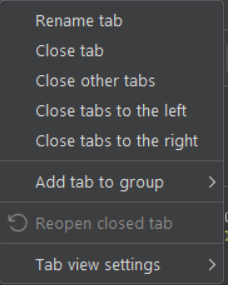
We click on that and we can then adjust the name, colour and the exact tabs to add to it.
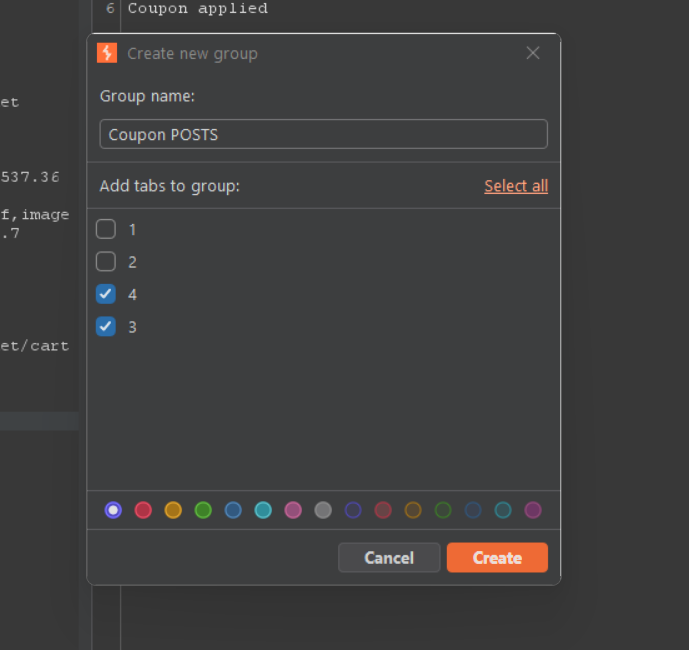
Once this is done, we can see that there are new send options and there are actually some very interesting options here but we can simply go for the very first "Send group" option for this.
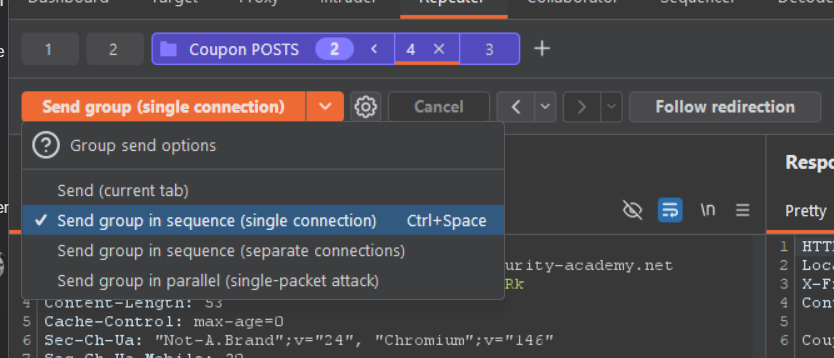
You will notice that I have arranged mine as 4 then 3, the reason for that is repeater 3, is actually the tab that has the NEWCUST5 coupon, that one is already applied, so I want to make sure the first request is a brand new coupon. In theory you could do it the other way round, the second one will be the only one that applies, but then you need an extra click to achieve the goal.
If we click this a few times we can see that in the web application that they are actively stacking and lowering the price significantly
.
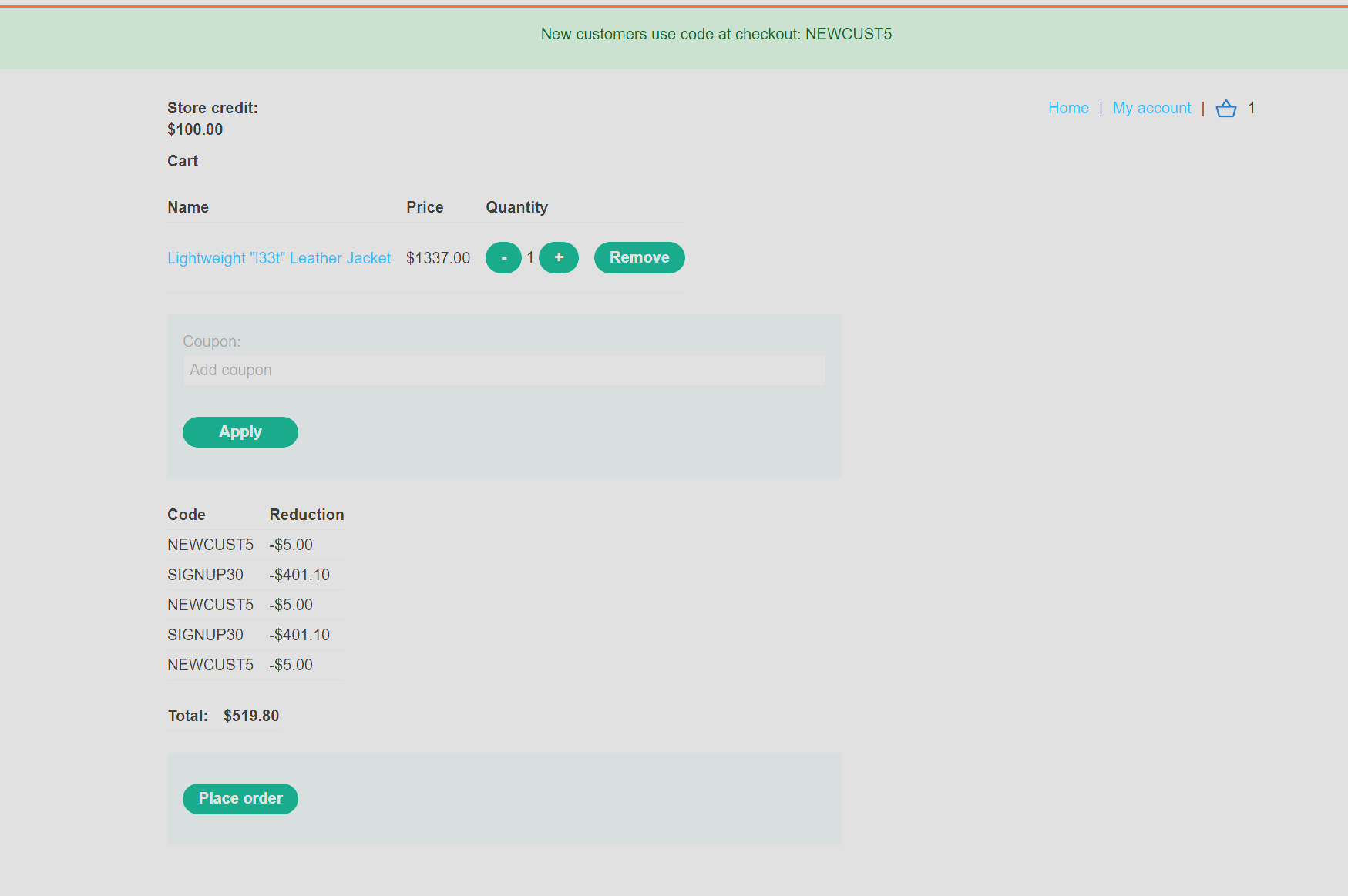
From there we just keep applying until the jacket gets down to $100. Another thing that we would have looked at if this was real, would be if we could make our credit go up by making the product go to a negative number, but this doesn't matter for this lab.
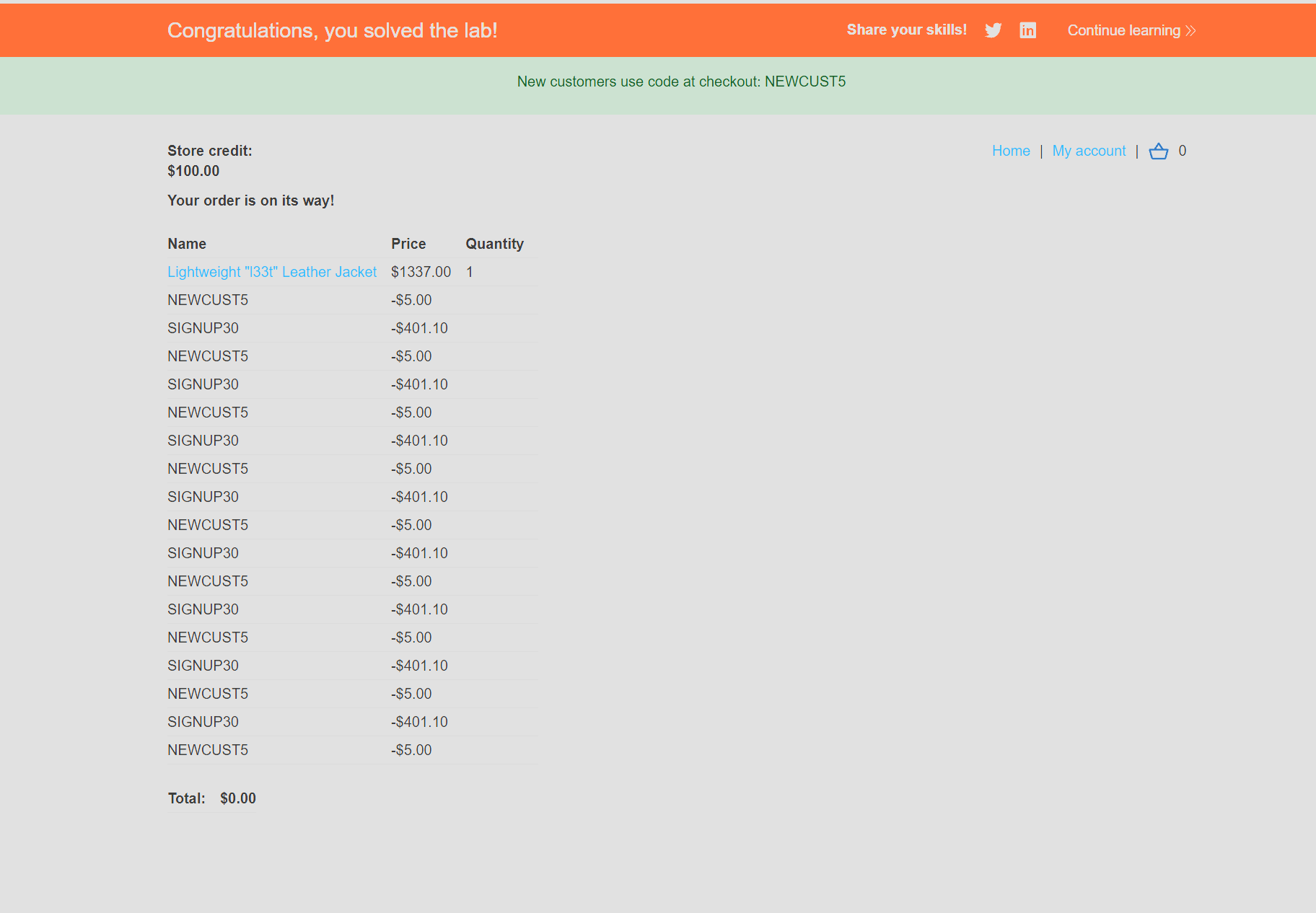
And there we go, we got a lovely leather jacket for absolutely none of our credit.